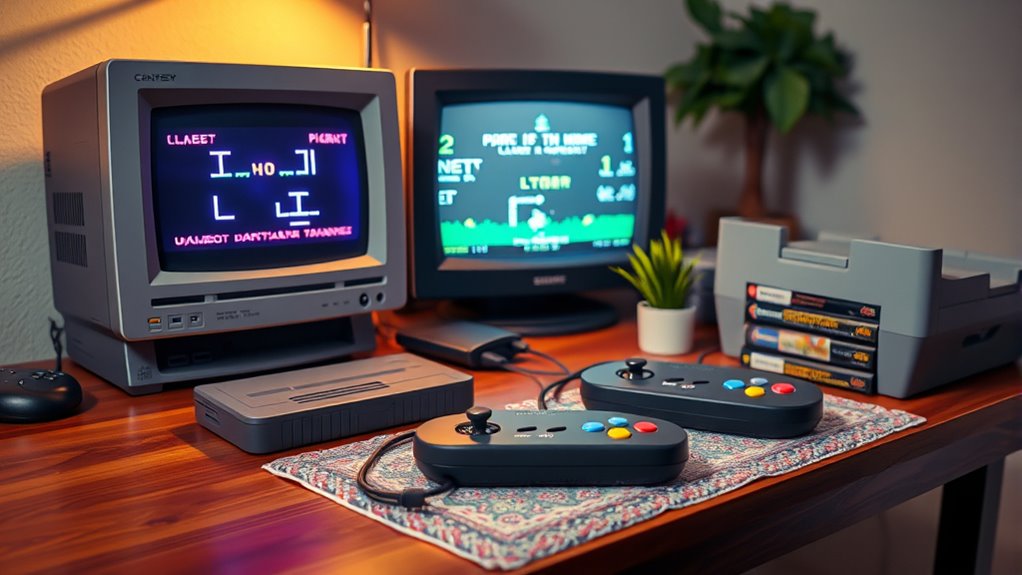
To set up a retro gaming console station, start by choosing a console or modern computer with emulation software like RetroArch or LaunchBox. Calibrate your display to match classic CRT visuals, adjusting color and aspect ratio for authenticity. Arrange your hardware comfortably, test controllers thoroughly, and create a distraction-free environment with nostalgic décor. Regularly update your emulators and games to keep the experience fresh. Keep exploring for more tips to perfect your setup.
Key Takeaways
- Select and install user-friendly emulation software like RetroArch or LaunchBox for easy game management.
- Calibrate your monitor or TV with display settings or CRT filters to ensure authentic visuals.
- Arrange hardware for accessibility and comfort, connecting controllers and managing cables securely.
- Optimize audio quality and create a distraction-free environment with nostalgic décor for immersive gameplay.
- Enhance visuals with projector options or CRT effects, and regularly update your game library for variety.
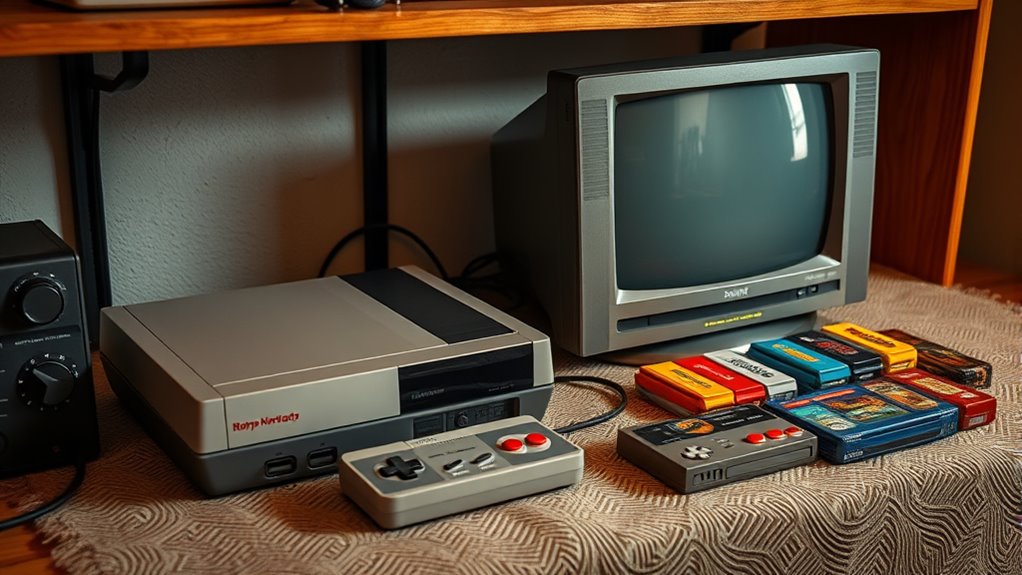
Setting up a retro gaming console station can be a fun and rewarding project that transforms your space into a nostalgic haven. Whether you’re recreating classic arcade experiences or playing vintage home console titles, the key is to *guarantee* your setup not only looks authentic but also functions smoothly. To start, you’ll want to focus on the core components: the console or computer running emulation software, controllers, and your display. Emulation software is *crucial* because it acts as the bridge between modern hardware and old-school games. Popular options like RetroArch or LaunchBox offer extensive libraries and user-friendly interfaces, making it easy to load and organize your games. Once you’ve chosen your emulation software, installing it is straightforward, but don’t forget to update it regularly to benefit from bug fixes and new features.
Build a nostalgic gaming setup with authentic hardware, emulation software, and proper calibration for a seamless experience.
Next, you need to pay attention to your display calibration. Old games were designed for CRT screens, which have different color profiles and aspect ratios compared to modern displays. To get the most authentic visual experience, spend some time calibrating your monitor or TV. Adjust the contrast, brightness, and color settings to match the original look as closely as possible. Many emulators include display calibration tools or filters that simulate CRT effects, which can *substantially* enhance the nostalgic feel. Proper calibration ensures that your games aren’t too dark, washed out, or distorted, providing a more immersive experience. Remember, a well-calibrated display isn’t just about aesthetics; it also reduces eye strain during longer gaming sessions.
When setting up, consider the placement of your console or PC. Keep your setup accessible and comfortable, especially if you plan to spend hours playing. Good cable management prevents clutter and potential damage, while a sturdy surface or shelf ensures stability. Connect your controllers—whether original peripherals or modern replicas—and test them thoroughly. Many emulators support a variety of input devices, so choose what feels best for you. Don’t overlook sound calibration either; good audio quality enhances the overall experience, making games feel more authentic.
Finally, create a dedicated space for your retro gaming station that’s free from distractions. Add some nostalgic décor, like vintage posters or themed lighting, to elevate the vibe. Regularly update your game library and emulator settings to keep the experience fresh and enjoyable. Incorporating high-quality projector technology can also significantly enhance your visual experience, especially if you want a larger, more cinematic feel. With careful setup and calibration, your retro gaming station will deliver countless hours of nostalgic fun, capturing the magic of classic gaming in your own home.
![WavePad Audio Editing Software - Professional Audio and Music Editor for Anyone [Download]](https://m.media-amazon.com/images/I/B1fcLEGCs6S._SL500_.png)
WavePad Audio Editing Software – Professional Audio and Music Editor for Anyone [Download]
Full-featured professional audio and music editor that lets you record and edit music, voice and other audio recordings
As an affiliate, we earn on qualifying purchases.
As an affiliate, we earn on qualifying purchases.
Frequently Asked Questions
What Are the Best Ways to Preserve Vintage Console Components?
To preserve vintage console components, focus on vintage preservation by storing parts in a cool, dry place away from sunlight. Regularly clean connectors and circuit boards with isopropyl alcohol to prevent corrosion. For component restoration, carefully replace worn-out parts with authentic or compatible replacements, and consider professional repair services if needed. These steps help maintain the integrity of your console and ensure it continues to function properly for years to come.
How Can I Troubleshoot Network Issues With My Retro Console?
When troubleshooting network issues with your retro console, start with network diagnostics to identify connectivity problems. Check your router configuration to verify your console is properly connected and assigned the correct IP address. Restart your router and console if needed. Confirm that your network is stable and that no firewalls block your connection. These steps help you quickly pinpoint issues and get your retro gaming setup back online smoothly.
Are There Legal Considerations for Using ROMS and Emulators?
You should be aware of copyright concerns and licensing requirements when using ROMs and emulators. Legally, downloading or sharing ROMs of games you don’t own can lead to copyright infringement. To stay compliant, only use ROMs from games you own or those explicitly offered for free by the copyright holder. Always check the licensing terms for emulators to make sure you’re not violating any legal restrictions.
How Do I Optimize Audio and Video Quality for Modern Displays?
To optimize audio and video quality for modern displays, start with audio calibration to guarantee clear, balanced sound. Use high-quality cables and check your audio settings for the best output. Adjust video scaling settings on your emulator or console to improve image sharpness and avoid stretching. Consider applying filters or shaders for a more authentic look. These steps help create an immersive retro gaming experience on your modern display.
What Safety Precautions Should I Take When Handling Old Electronic Parts?
When handling old electronic parts, you should always take safety precautions to prevent damage and injury. You must avoid electrostatic discharge by grounding yourself with an anti-static wrist strap or touching a grounded metal object before handling components. Be gentle during component handling, avoid applying excessive force, and work in a clean, dry area. This helps protect fragile parts and guarantees safe, effective maintenance of your retro gaming console.

DSLRKIT Lens Focus Calibration Tool Alignment Ruler Folding Card(Pack of 2)
This compact ruler allows you to determine if your lens is auto-focusing accurately as it should. It is…
As an affiliate, we earn on qualifying purchases.
As an affiliate, we earn on qualifying purchases.
Conclusion
Setting up your retro gaming station is like planting a seed; with patience and care, it transforms into a nostalgic garden where memories flourish. I once set up mine, and soon, friends were gathered, sharing laughter over classics. Remember, creating this space isn’t just about technology—it’s about building a personal sanctuary of joy. So, immerse yourself, tweak your setup, and watch your nostalgia blossom into a timeless treasure trove.

KIWITATA 2X Classic SNES USB Controller for PC Gamings, Retro SNES Wired USB Game Emulator Controller for Windows XP 7 8 11 Mac Raspberry Pi
✅【Compatibility】Compatible with Raspberry Pi, PC, Linux ,Mac. Specifically designed for playing classic old school retro snes games on…
As an affiliate, we earn on qualifying purchases.
As an affiliate, we earn on qualifying purchases.

SUPERDANT Insert Coin Metal Tin Sign Retro Arcade Vintage Sign Colorful Retro Wall Decor Funny Metal Poster Wall Art Poster for Game Room Pub Man Cave Indoor Outdoor Decor Gifts
Insert Coin Metal Tin Sign: The overall color of the product is red, with the pattern of a…
As an affiliate, we earn on qualifying purchases.
As an affiliate, we earn on qualifying purchases.