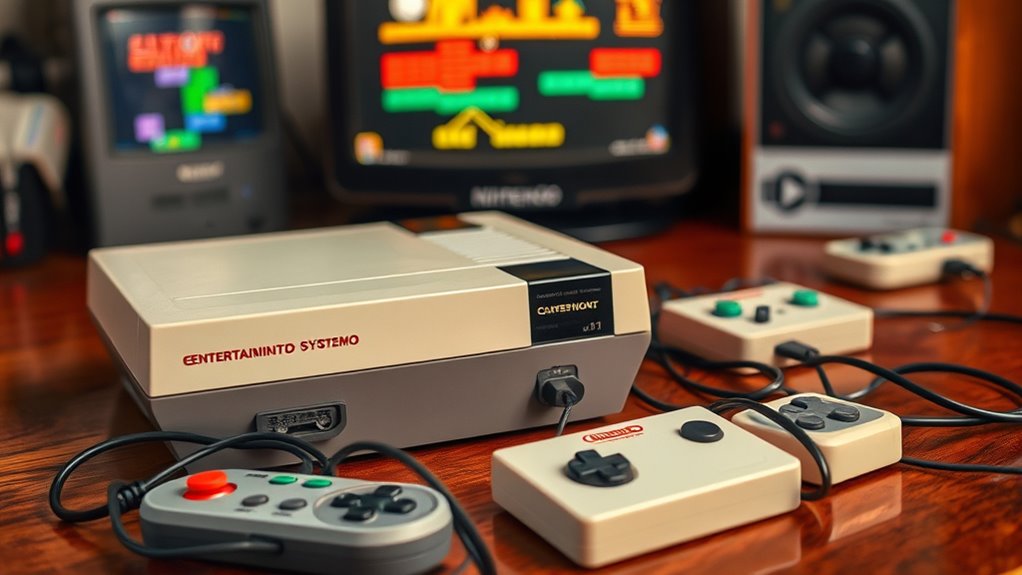

To set up a classic console today, pick a model that matches your preferred gaming style and aesthetic. Gather the right cables—like HDMI, RCA, or SCART—and connect them to your modern TV, using adapters if needed. Adjust the video and audio settings for the best quality, and organize your game media carefully. For smoother gameplay, try modern solutions like HDMI adapters or wireless controllers. Keep exploring to discover more tips for enhancing your vintage gaming experience.
Key Takeaways
- Choose a compatible vintage console that matches your preferred gaming genres and aesthetic style.
- Gather necessary cables and adapters, such as RCA, SCART, or HDMI, for modern TV compatibility.
- Connect the console to your TV using the appropriate adapters and adjust display settings for optimal picture quality.
- Set up controllers and peripherals, ensuring proper connection and calibration for smooth gameplay.
- Enhance your setup with nostalgic decor and atmosphere, and store media safely to preserve your collection.

Tengchi RCA to HDMI Converter, Composite to HDMI Adapter Support 1080P PAL/NTSC Compatible with PS one, PS2, PS3, STB, Xbox, VHS, VCR, Blue-Ray DVD Players
RCA Female to HDMI Video Converters Adapter : The cable is used to convert analog composite input to…
As an affiliate, we earn on qualifying purchases.
As an affiliate, we earn on qualifying purchases.
Choosing the Right Vintage Console for Your Setup

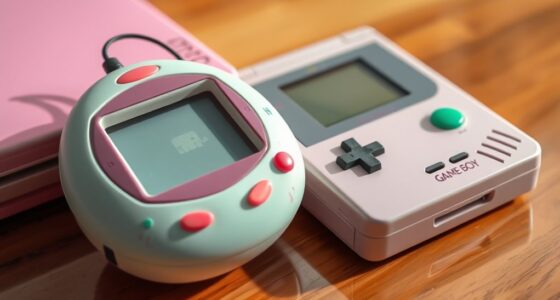
Choosing the right vintage console for your setup can considerably enhance your gaming experience. Consider the console aesthetics—do you prefer a sleek, minimalist look or a more nostalgic, bulky design? Your choice should reflect your style and fit seamlessly into your gaming space. Think about the vintage gaming genres you love most; for example, if you’re into platformers and adventure games, a Nintendo Entertainment System might be perfect. If you prefer fighting or arcade-style games, an arcade cabinet or a Sega Genesis could suit you better. Also, check the console’s compatibility with modern TVs or displays, as some older models may require additional adapters. Picking a console that matches your aesthetic preferences and favorite genres helps create an immersive, authentic retro gaming experience. Consider researching console compatibility to ensure your vintage choice will work smoothly with your current setup. Additionally, exploring market trends can help you find models that are more readily available or in better condition for your collection. Understanding hardware preservation can also be beneficial when selecting a vintage console to ensure longevity and optimal performance. Moreover, reviewing privacy policies or user data considerations can be important if you plan to connect your console online or access digital content. Being aware of software updates and security can also help maintain your console’s performance over time.

Mcbazel Composite Audio Video AV Cable for Original Microsoft Xbox Gen 1, 1.8m RCA to Composite Cable for Classic Xbox Console
High-Quality AV Video Cable: This AV cable delivers high-quality audio and video for your Original Microsoft Xbox (Gen…
As an affiliate, we earn on qualifying purchases.
As an affiliate, we earn on qualifying purchases.
Gathering Necessary Cables and Accessories
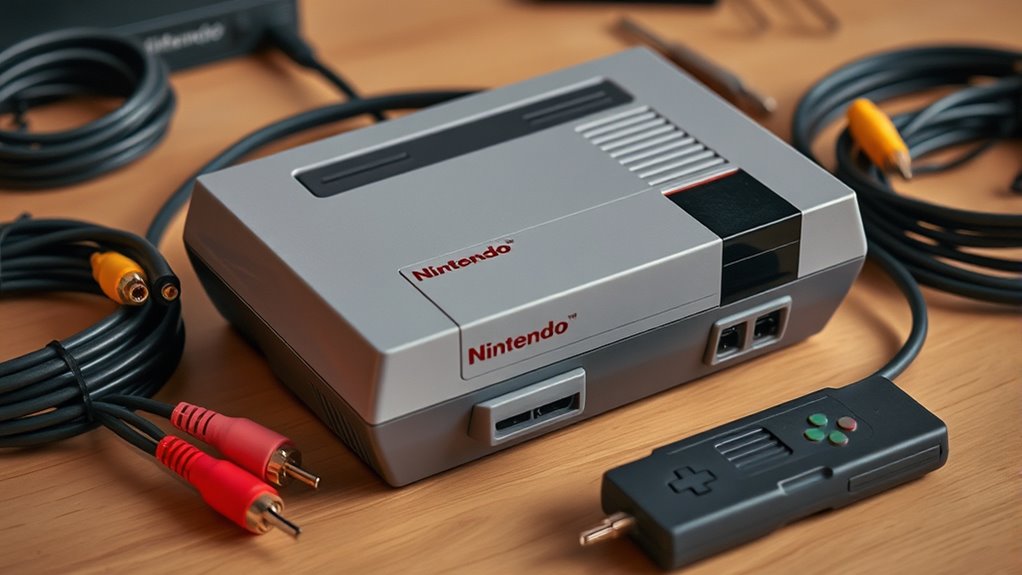
Before you can plunge into your retro gaming sessions, it’s essential to gather all the necessary cables and accessories your vintage console requires. Start by identifying the right cable types, such as RCA, HDMI, or SCART, based on your console and TV compatibility. Check the console’s ports and guarantee you have the appropriate adapters if needed. Pay attention to accessory compatibility; some controllers or additional peripherals might need specific connectors or power sources. Having the correct cables prevents connection issues and assures top picture and sound quality. Organizing your cables beforehand to avoid frustration during setup. Additionally, understanding the paint sprayer types and their applications can help you appreciate the importance of the right equipment for your projects. Gathering these essentials ahead of time makes the process smoother and guarantees you’re ready to jump into your favorite classic games without delay. Properly selecting the right connection standards can also prevent the need for additional equipment later on, especially when considering the factors influencing compatibility between different devices. Being aware of adjustable settings such as resolution and output format can further enhance your gaming experience and compatibility with modern displays. For optimal performance, consider researching Hyundai Tuning options that could improve your setup’s overall efficiency and reliability.

New Retro Game Console, Classic Video Games with 4K HDMI, 20,000+ Games and 23 Emulators, Upgraded Dual 2.4G Wireless Controllers for Game Console
【Massive Pre-Loaded Game Library – Endless Retro Fun】Enjoy instant access to 20,000+ legendary titles spanning multiple decades of…
As an affiliate, we earn on qualifying purchases.
As an affiliate, we earn on qualifying purchases.
Connecting Your Console to Modern Televisions

Connecting your retro console to a modern TV can seem challenging, but with the right adapters and cables, it’s straightforward. Many consoles use composite or SCART outputs, but modern TVs often lack these ports. HDMI adapters bridge this gap, converting signals for easy connection. If your vintage remote still works, you can use it to navigate menus after setup. Here’s a quick overview:
| Adapter Type | Compatibility |
|---|---|
| HDMI Adapter | Converts composite to HDMI |
| RCA to HDMI Converter | Connects older AV outputs to HDMI |
| SCART to HDMI | For European consoles |
Choose the right adapter based on your console and TV ports, ensuring a seamless gaming experience. Additionally, understanding the connection types helps in selecting the most effective setup for your gaming environment. Knowing how to optimize your setup can enhance both picture quality and ease of use during gameplay. Properly matching cables is also essential to prevent signal loss and ensure a smooth gaming session. Furthermore, selecting the correct hardware components can improve overall performance and reduce potential issues during connection. Moreover, being aware of the security vulnerabilities related to outdated connections can help you take precautions to protect your equipment and data.

HBFQMDJLX SCART/CVBS/SVIDEO/AV to HDMI Converter, 1080P HD, Audio Video Synchronization, Gold-Plated Ports,Applicable to laptops/desktops/Set-top Boxes/Monitors/TVS/projectors
VERSATILE COMPATIBILITY: Converts SCART, CVBS, S-VIDEO, and AV signals to HDMI output, supporting connections with laptops, desktops, STBs,…
As an affiliate, we earn on qualifying purchases.
As an affiliate, we earn on qualifying purchases.
Troubleshooting Common Video Output Issues

Are you experiencing a blank screen or distorted image when trying to play your retro games? First, check your display resolution settings. Many modern TVs automatically adjust, but some older consoles require manual configuration to match the TV’s native resolution. If the image appears stretched or blurry, adjust the video scaling options on your console or TV. Ensure your video cable is securely connected and compatible with your display type. If you’re using an HDMI converter or adapter, verify it supports the resolution you need. Sometimes, resetting the console or switching to a different output mode fixes the issue. Remember, mismatched display resolution and improper video scaling are common causes of visual problems, so adjusting these settings can often restore clear, crisp images for your retro gaming experience.
Configuring Audio Settings for Optimal Sound

Once you’ve verified your video output is correctly configured, it’s equally important to optimize your audio settings to fully enjoy your retro gaming experience. Start with audio calibration to ensure sound levels are balanced and free of distortion. Adjust volume controls on your console or TV to prevent clipping or muffled audio. For sound enhancement, consider using external speakers or a soundbar to get richer, clearer audio. If your console offers audio settings, tweak tone and balance options to suit your preferences. Some systems also support digital audio output; enable this for improved sound quality. Proper audio calibration and sound enhancement make a noticeable difference, immersing you deeper into your favorite classic games with crisp, vibrant sound. Additionally, selecting appropriate speaker technology can further enhance the overall audio experience, providing richer soundscapes and more immersive gameplay. Incorporating sound optimization techniques can help you achieve even better audio clarity and depth, elevating your gaming sessions to a new level.
A thorough understanding of audio calibration methods can assist in fine-tuning your setup for optimal performance.
Setting Up Controllers and Other Peripherals

To guarantee smooth gameplay, you need to properly set up your controllers and peripherals before diving into your favorite retro titles. Start by connecting your wired controllers directly to the console or using compatible peripheral adapters for older ports. If you prefer wireless controllers, ensure they’re charged or have fresh batteries, then sync them according to the manufacturer’s instructions. Check compatibility with your console or emulator to avoid issues. Keep a few extras handy for multiplayer sessions. Also, consider connecting additional peripherals like light guns or racing wheels, making sure they’re properly configured. Here are some tips:
Ensure all controllers and peripherals are properly connected, charged, and tested for smooth retro gaming.
- Use peripheral adapters for legacy port compatibility
- Sync wireless controllers following manufacturer instructions
- Keep spare batteries or chargers ready
- Test all peripherals before playing
- Verify compatibility and setup, ensuring all devices work seamlessly together. Being aware of potential issues like ear wax odor or other odors that might indicate hardware or environment problems can help maintain a pleasant gaming space. Additionally, reviewing privacy and cookie usage on related platforms can help you understand how your data is managed during online gaming sessions.
Loading and Managing Game Cartridges or Discs
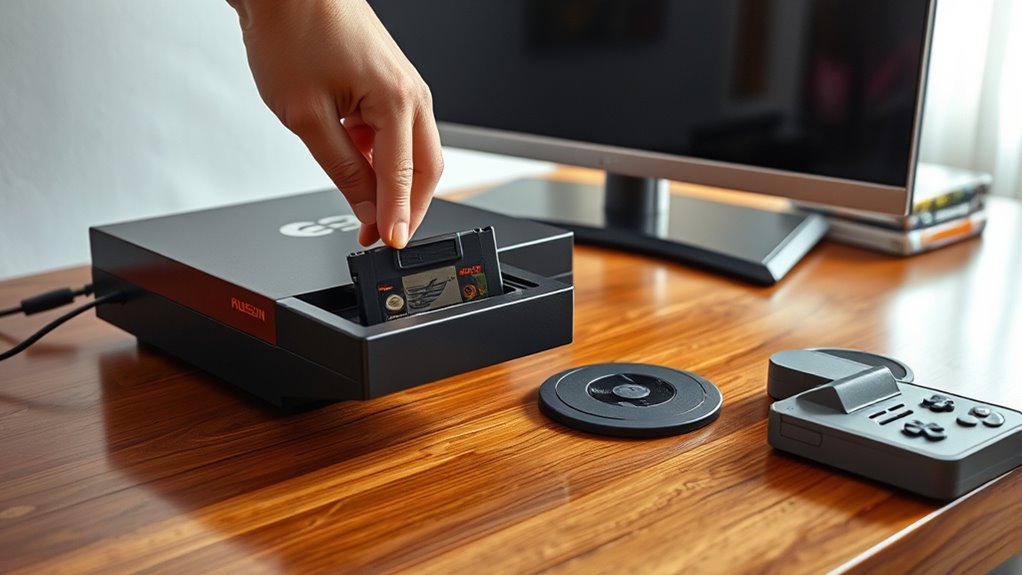
When loading game cartridges or discs, you need to handle them carefully to prevent damage. Organizing your collection helps you find games quickly and keeps everything in good condition. Also, keeping discs compatible with your console prevents frustrating errors and ensures smooth gameplay.
Handling Game Media Safely
Handling game media safely is essential to preserving its functionality and longevity. Proper game media handling prevents damage and ensures smooth gameplay. When handling cartridges, always hold them by the edges to avoid fingerprints and dirt that can interfere with contacts. Store discs in protective cases to prevent scratches and dust buildup. Never force a cartridge or disc into the console; gentle insertion is key. Keep your media away from extreme temperatures, humidity, and direct sunlight, which can degrade the material. Regularly clean contacts with a soft, lint-free cloth to maintain good connectivity. Remember, cartridge preservation relies on careful handling to prevent warping or damage. By following these simple tips, you’ll extend the life of your game media and keep your classic collection in top shape.
Organizing Cartridge Collections
Organizing your cartridge collection is essential for easy access and maintaining its condition. Proper cartridge organization helps you quickly find the game you want and prevents damage from mishandling or clutter. Start by sorting cartridges by console or genre, then use labeled storage boxes or shelves to keep them orderly. A well-planned collection display not only makes browsing enjoyable but also protects your cartridges from dust and accidental drops. Consider using transparent containers or cartridge cases to keep them visible and safe. Regularly check your collection for signs of wear or corrosion, and handle each cartridge by the edges. Consistent organization guarantees your vintage games stay in top shape and are always ready for your next gaming session.
Maintaining Disc Compatibility
To keep your game discs and cartridges functioning properly, it’s important to make certain they remain compatible with your console or system. Proper media preservation helps prevent damage and ensures smooth gameplay. Be mindful of the disc format, as different consoles require specific types, like CD, DVD, or Blu-ray. Handle discs carefully by holding edges to avoid fingerprints or scratches. Store them in protective cases away from direct sunlight, heat, or humidity. Regularly clean discs with a soft, lint-free cloth to remove dust and debris. Check for signs of deterioration, such as warping or cracks, and replace damaged media promptly. Keep your cartridges and discs in a safe, organized environment to maintain their longevity and compatibility over time.
Using Modern Solutions to Improve Compatibility
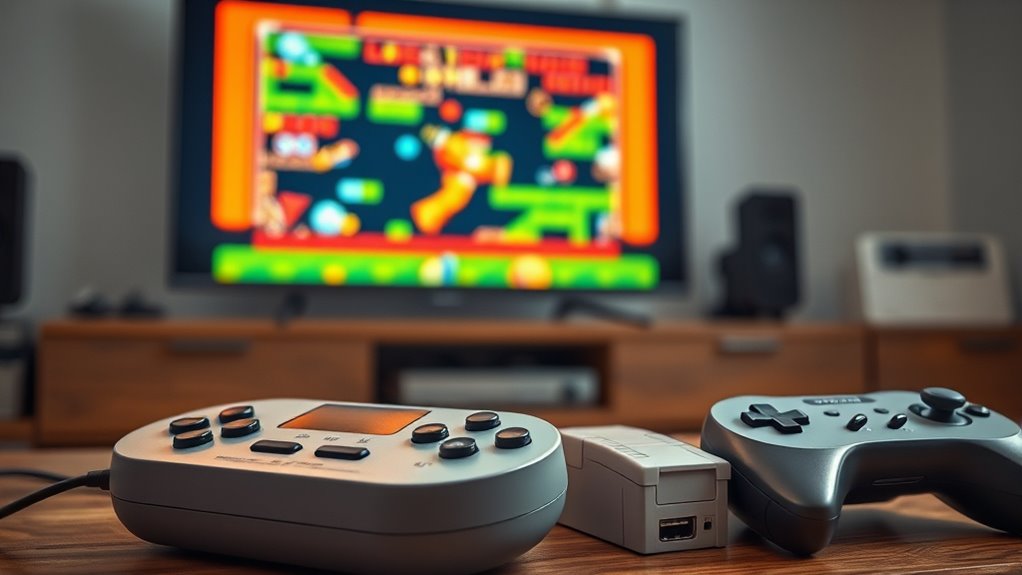
Modern solutions have made it easier than ever to improve compatibility when playing retro games on current hardware. Using modern HDMI converters, you can connect older consoles to modern TVs without image or sound issues. Wireless controller adapters allow you to use your original controllers seamlessly, avoiding the hassle of wired connections. Visualize your setup like this:
| Console Type | Adapter Needed | Output Method |
|---|---|---|
| NES/SNES | HDMI converter | HDMI to modern TV |
| Sega Genesis | HDMI converter | HDMI with audio sync |
| PlayStation | Wireless controller adapter | Bluetooth connection |
This setup guarantees smooth gameplay and better picture quality, making your nostalgic experience more enjoyable and hassle-free.
Preserving Your Console and Game Collection
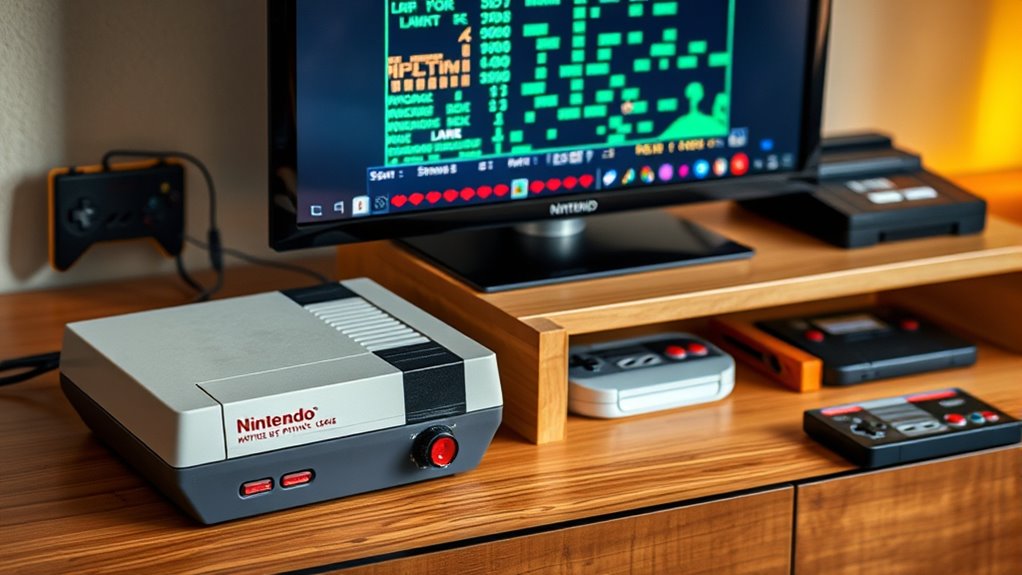
To keep your collection in top shape, you need to focus on proper storage techniques and regular maintenance routines. This helps prevent damage and extends the life of your consoles and cartridges. Additionally, using emulation and backups guarantees your gaming experience stays safe and accessible for years to come.
Proper Storage Techniques
Proper storage is essential for keeping your console and games in top condition, preventing damage from environmental factors. To achieve this, focus on dust prevention and climate control. Store your items in a cool, dry place away from direct sunlight and humidity. Use airtight containers or sleeves to shield games from dust and dirt. Keep consoles on elevated shelves to avoid spills and accidental knocks. Consider using silica gel packs to control moisture and prevent corrosion. Regularly inspect your collection for signs of mold or dust buildup. Avoid storing in basements or attics where temperature fluctuations and humidity are common. Proper organization and protective measures ensure your retro gaming treasures stay functional and pristine for years to come.
Regular Maintenance Routines
Regular maintenance routines are essential for keeping your retro gaming collection in prime condition. Regular dust management prevents dirt from accumulating inside consoles and on cartridges, which can cause performance issues. Establish a consistent cleaning schedule, using a soft cloth or compressed air to remove dust from vents, ports, and surfaces. Avoid harsh chemicals that might damage plastic or circuit boards. Handling games and consoles with clean hands reduces grime transfer. Check connectors and cables regularly for corrosion or wear, replacing them if needed. Keep storage areas dry and well-ventilated to prevent mold or rust. By sticking to these routines, you’ll prolong your hardware’s lifespan and ensure reliable play. Routine maintenance saves you time and money while preserving the nostalgic integrity of your collection.
Emulation and Backup
Emulation and backup methods are essential for safeguarding your retro gaming collection against hardware failures and deterioration. Using rom emulation software allows you to play classic games on modern devices, preserving the experience without risking damage to original hardware. Creating a digital backup of your game files ensures you won’t lose your collection if a disk becomes corrupted or lost. To get started, consider these tips:
- Use reliable rom emulation software compatible with your system
- Store backups on external drives or cloud storage
- Regularly update your backups to include new games
- Verify file integrity to prevent corruption
Tips for Enhancing Your Retro Gaming Experience

To truly enhance your retro gaming experience, focus on optimizing your setup for comfort and performance. Start by customizing your console with eye-catching custom console skins, which protect your device and add a personal touch. Hang vintage game posters on your wall to create a nostalgic atmosphere and inspire your gameplay sessions. Invest in a comfortable chair and good lighting to reduce fatigue during long gaming marathons. Use quality cables and a reliable display to ensure crisp visuals and sound. Keep your controllers in top shape, replacing worn parts if necessary. Organize your game collection for easy access, and consider setting up a dedicated gaming space to fully immerse yourself in the retro vibe. These tips will make your gaming sessions more enjoyable and authentic.
Frequently Asked Questions
Can I Connect My Vintage Console to a 4K Ultra HD TV?
Yes, you can connect your vintage console to a 4K Ultra HD TV using modern HDMI adapters. These adapters convert your console’s original output to HDMI, ensuring vintage console compatibility with high-resolution TVs. Keep in mind that image quality may vary, and some lag might occur. Make sure to choose a reliable adapter to get the best gaming experience on your 4K TV.
Are There Wireless Controllers Compatible With Classic Consoles?
Think of wireless controllers as magic wands, bringing your vintage gaming experience into the modern world. Yes, many wireless controllers now offer compatibility with classic consoles through adapters or Bluetooth, giving you more controller options. You can enjoy freedom from cords and move around like a true gamer. Just check for wireless compatibility before buying, ensuring your chosen controller works seamlessly with your console for a smooth, hassle-free gaming session.
How Can I Upgrade the Graphics Quality of Original Game Cartridges?
You can upgrade the graphics quality of original game cartridges through emulation enhancements and cartridge modding. Emulation enhancements involve using external hardware or software to improve resolution, add filters, or enhance color depth when playing on modern devices. Cartridge modding, on the other hand, involves physically modifying the cartridge’s hardware, such as installing new chips or connectors, to improve visual output and overall graphics quality. Both methods can markedly enhance your retro gaming experience.
Is It Possible to Play Multiplayer Games Online With Vintage Consoles?
Yes, you can play multiplayer games online with vintage consoles. You’ll need an adapter or a device like a Raspberry Pi that connects your console to the internet, enabling online multiplayer and internet connectivity. Some modern solutions even create LAN emulators or use online servers to simulate multiplayer experiences. Just make certain your console is compatible with these setups, and follow the setup instructions carefully to enjoy online multiplayer gaming.
What Are the Best Storage Solutions for My Retro Gaming Collection?
Storing your vintage valuables requires smart solutions. You should select sturdy, stackable storage containers that shield against dust and damage. Consider specialized cartridge preservation boxes or airtight containers to keep games pristine. These options protect delicate discs and cartridges, ensuring longevity. By prioritizing proper storage container options, you’ll preserve your collection’s quality, making it easier to organize and access your retro gaming treasures while preventing deterioration over time.
Conclusion
Think of your retro console as a vintage compass guiding you through a sea of modern screens. With a little setup and patience, you’ll navigate back to classic gaming adventures, treasures tucked safely in your ship’s hold. Embrace the journey, tweak your connections, and enjoy the timeless voyage. Before long, you’ll be sailing smoothly, relishing every pixel and sound, as your nostalgic adventure unfolds across the vast ocean of gaming history.